















Our highest yielding opportunity to-date is live now on Minerix! Invest now

Minerix crypto card Anytime, anywhere

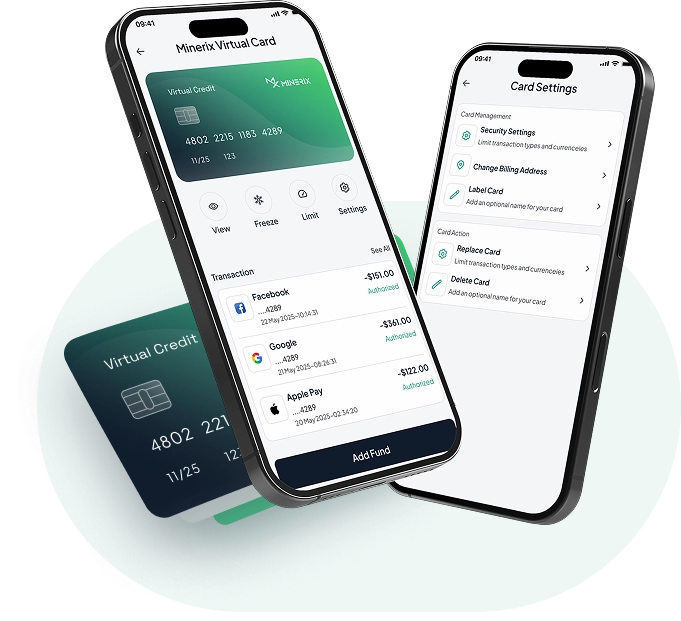
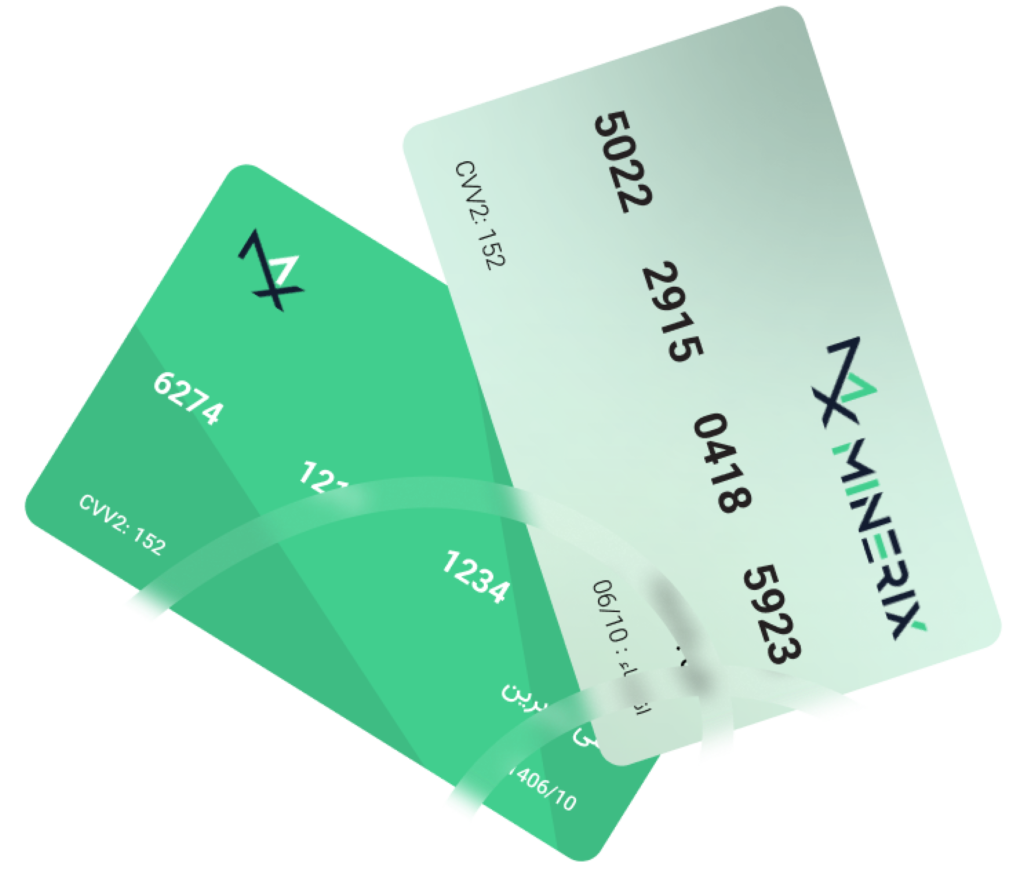
Make contactless payments in stores with crypto card. Easily link your card with your digital wallet. Tap, pay, and speed through checkouts!

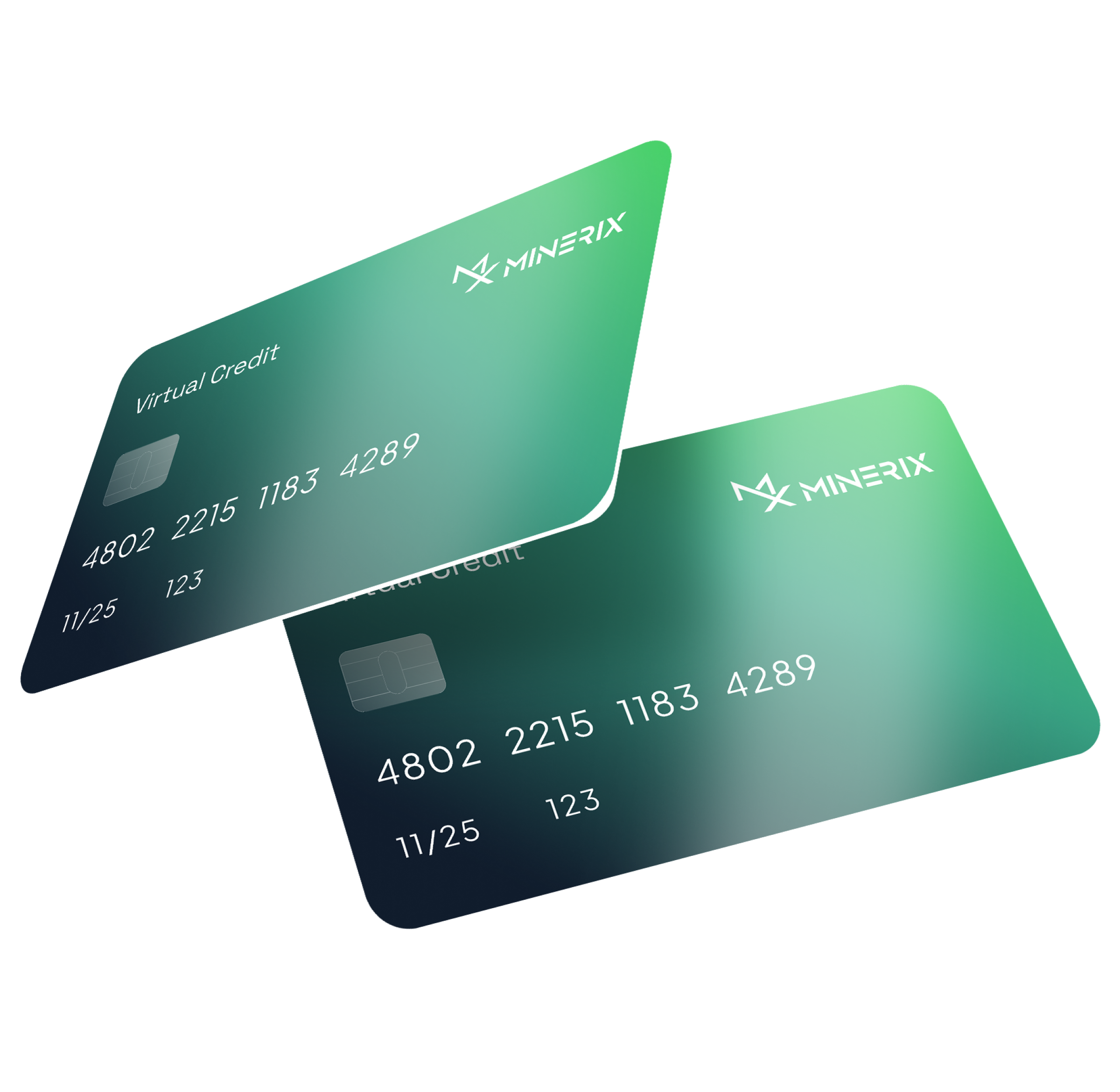
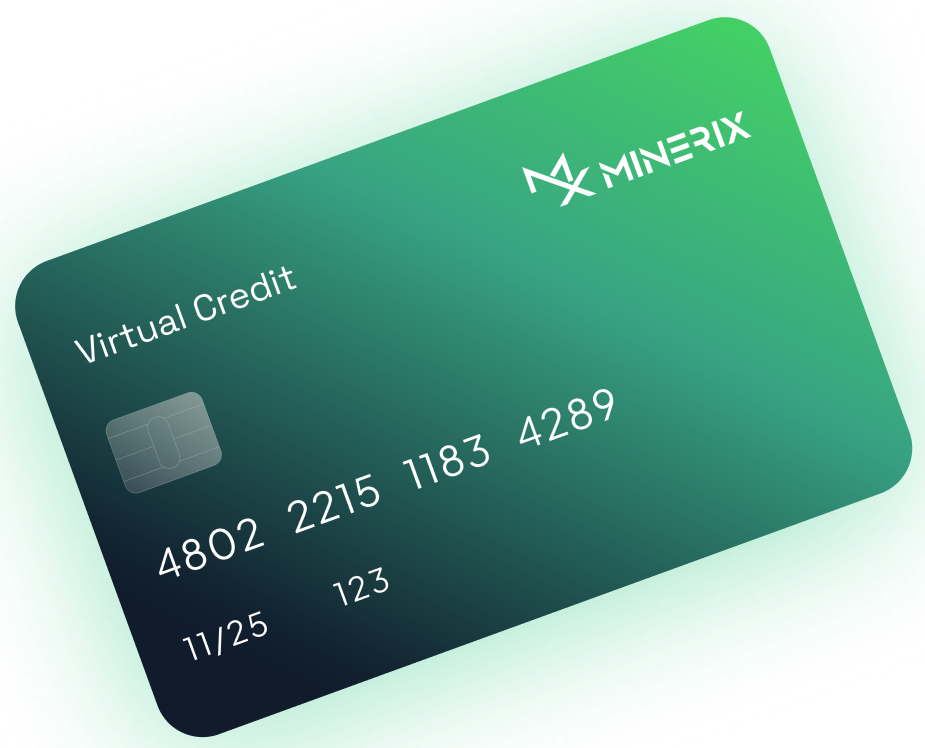
Minerix Crypto Card
Accepted by 130M+ merchants worldwide
Minerix Pay

Pay, Send, Transfer with Minerix Crypto Card

Accessible crypto wallet for everyone, everywhere.
Let’s embrace the future with cryptocurrency payments via Crypto Card.

Global Acceptance

The Minerix Card can be used at millions of merchant locations worldwide, wherever major credit cards are accepted.
Instant Deposit

Your Wallet balance can be used directly with the card, or you can make instant deposits to your account.

No Limits

Your Card will not have any spending limits, allowing you the freedom to make purchases without restrictions.

Apply

Get Your Minerix Card in Minutes

Sign Up

Visit the Minerix dashboard and complete the registration process to verify your account.

Request a Minerix Crypto Card

Navigate to the "Get a Crypto Card" section and initiate the request for your personal Minerix Card.

Activate and Start Using

Once your card is issued, you can access the card details on the dashboard and begin using it for transactions worldwide.

Features

Why Choose Minerix Crypto Card?

Digital Wallet Integration

Seamlessly use with Google Pay, Apple Pay, and more.

Crypto Spending

Spend your cryptocurrency directly with the card.

Secure Custodian

Minerix safeguards your funds with advanced security.
– Payment provider options may differ by region.
– ATM withdrawal availability and fees may vary depending on your region.

Download our app

Stay Updated on New Events & Maximize Your Rewards

Minerix Card FAQ

Frequently Asked Questions

Q: How do I add my Minerix Card to Apple Pay?

A: To add your Minerix Card to Apple Pay, simply open the Wallet app on your iOS device, tap the “+” icon, and follow the prompts to add your Minerix Card. This will allow you to conveniently make purchases using your Minerix Card through Apple Pay.

A: To help reduce declined transactions, ensure that your Minerix Card account has sufficient funds available, that your billing information is up-to-date, and that you’re not exceeding any applicable spending limits. You can also contact Minerix support if you continue to experience declined transactions.
A: To apply for a Minerix cryptocurrency card, first sign up for a Minerix account and complete the verification process. Then, navigate to the “Get a Crypto Card” section of the dashboard and follow the prompts to request your Minerix crypto-enabled payment card.
A: Minerix offers a range of features with their payment cards, including global acceptance, seamless integration with digital wallets like Apple Pay, the ability to spend cryptocurrency directly, and secure custodianship of your funds through advanced security protocols.

Still have questions?

Can’t find the answer you’re looking for? Please chat to our friendly team.

Schedule A Call